

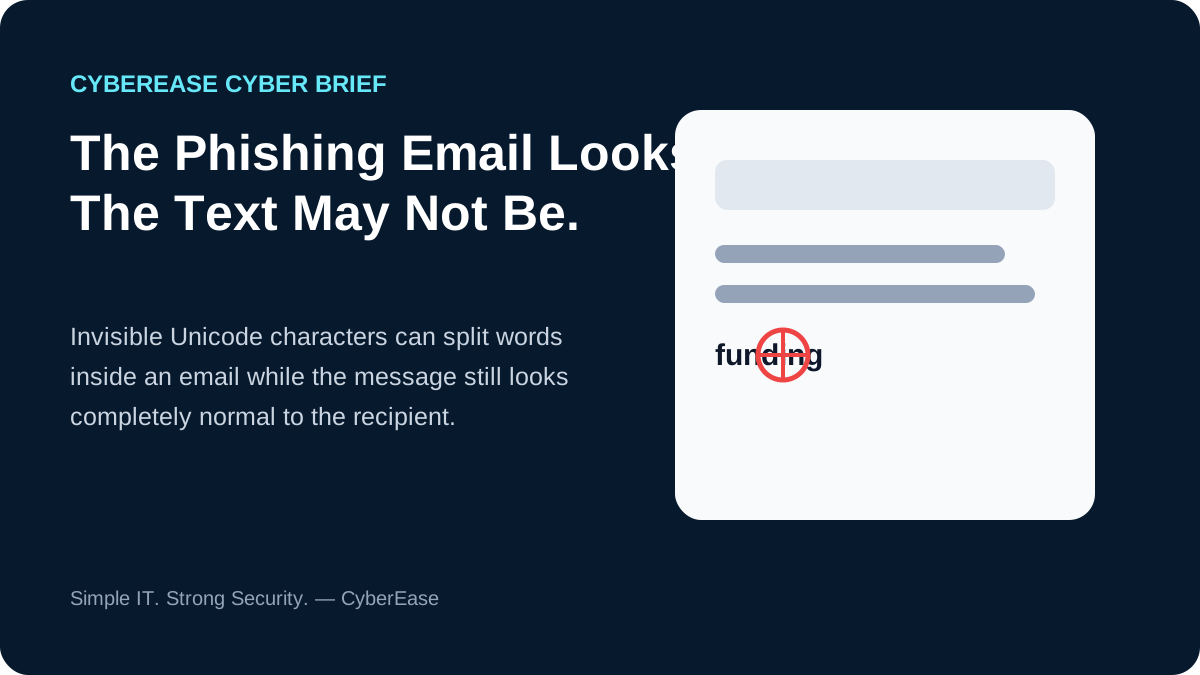
Microsoft recently documented phishing campaigns that inserted invisible Unicode characters inside words. A recipient could still see an ordinary-looking financial or business message, while automated text processing could interpret parts of the content differently.
The technique is sometimes described as ASCII smuggling. Microsoft says it was repurposed from techniques seen in AI prompt-injection research and used at significant scale in phishing.
Why would an attacker hide characters?
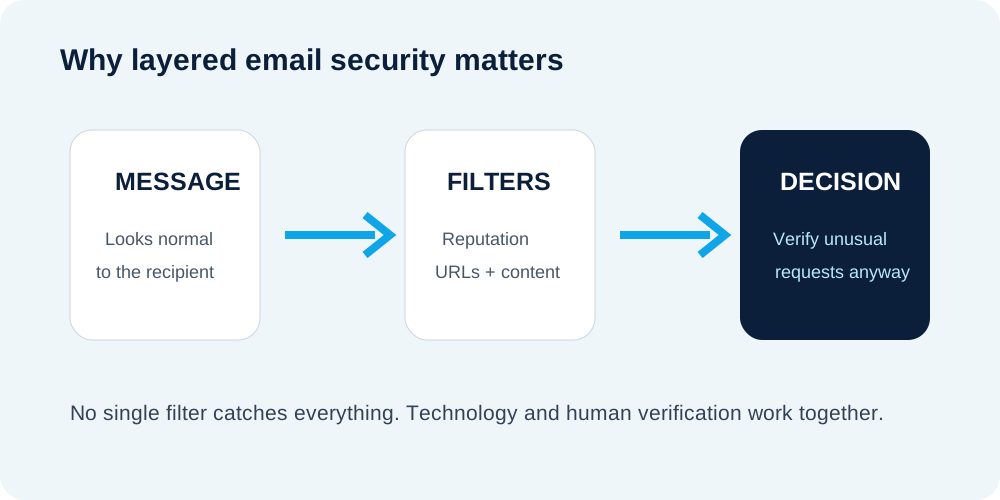
Email protection examines many signals, including sender reputation, URLs, attachments, authentication and message content. Attackers continually test ways to make malicious messages harder for automated systems to classify. Invisible characters are one way to alter the underlying text without making the message look obviously strange to a person.
What businesses should do
Verify unusual requests. A request involving payment, credentials, sensitive information or an account change deserves independent verification.
Keep Microsoft 365 protections configured. Anti-phishing controls, Safe Links where licensed, domain authentication and identity protection all contribute different signals.
Protect accounts with phishing-resistant authentication. A convincing email is less useful to an attacker if stolen credentials cannot easily be replayed.
Train for intent, not appearance. Employees should ask whether the request makes sense, not merely whether the email looks professional.
Source: Microsoft Security Blog, September 2026 research on ASCII smuggling in phishing campaigns.
Simple IT. Strong Security. — CyberEase
Want stronger email and Microsoft 365 security?
CyberEase helps businesses reduce practical identity and phishing risk.