

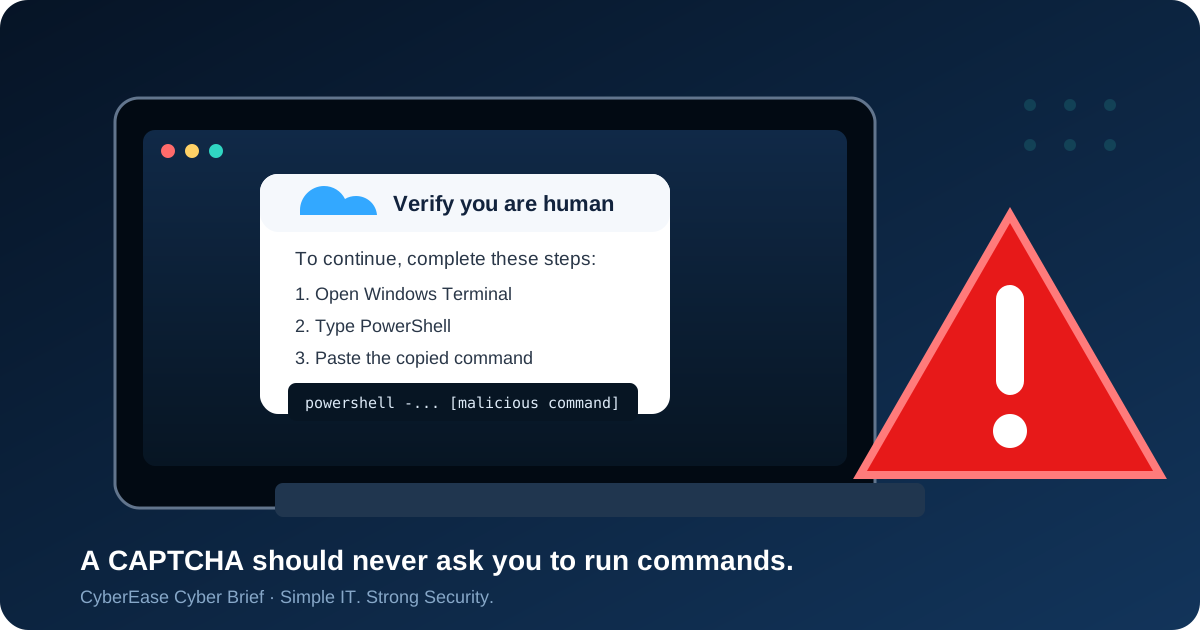
You land on a website and see, “Verify you are human.”
Most of us wouldn’t think twice about it. But attackers are now taking advantage of that trust.
Security researchers recently reported a campaign called TerminalFix, where compromised websites display fake CAPTCHA-style verification screens. The victim is instructed to open Windows Terminal or PowerShell and run a command.
Why businesses should care
This technique is dangerous because it doesn’t look like a traditional cyberattack. There’s no obvious suspicious attachment. The website may even appear legitimate. Instead, attackers turn something familiar—a CAPTCHA—into a social-engineering tool.
A compromised computer can become the starting point for stealing credentials, accessing business systems or moving deeper into an organization.
What should you do?
Employees: Close the page and contact IT if a website asks you to execute commands.
Businesses: Add this scenario to security-awareness training and monitor unusual PowerShell or terminal activity.
Staying alert to unusual requests is one of the easiest ways to protect your business.
Simple IT. Strong Security. — CyberEase
Want help strengthening your business security?
Practical cybersecurity guidance without unnecessary complexity.