

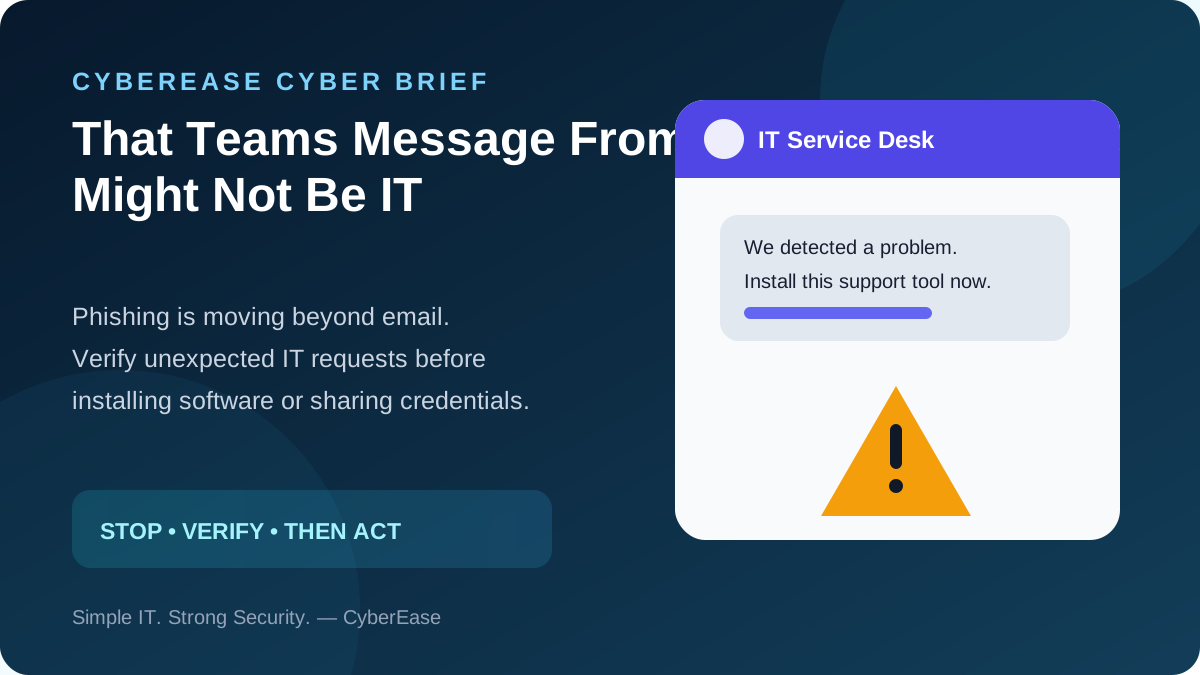
Most employees have learned to be cautious with suspicious email. But what happens when the message appears inside a tool they already trust every day?
Security company Expel recently documented SynkLoader, malware delivered after an attacker contacted a victim through Microsoft Teams while impersonating the organization’s IT Service Desk. The victim was persuaded to install a supposed support utility. The campaign is a useful reminder that social engineering is no longer confined to the inbox.
Why this works
Collaboration tools feel internal. A message carrying an IT name or familiar-looking profile can therefore receive less scrutiny than an email from an unknown sender. Attackers exploit that trust and create urgency: your computer has a problem, your account needs attention, or a security tool must be installed immediately.
The dangerous part is often not a sophisticated exploit. It is convincing a legitimate user to perform the attacker’s next step for them.
What businesses should do
Make verification normal
Employees: Do not install unexpected software or run commands because someone messaged you in Teams. Call IT using a number you already know or open a support ticket through your normal process.
Businesses: Define how IT will contact staff, what remote-support tools are approved, and what IT will never ask employees to do. Include Teams and other collaboration platforms in phishing awareness—not just email.
Microsoft 365 administrators: Review external collaboration and guest-access settings, protect administrator accounts with phishing-resistant MFA, and investigate unusual sign-ins or unexpected software deployment.
Attackers benefit when employees feel pressured to act quickly. A thirty-second verification can prevent a much longer incident.
Source: Expel, “SynkLoader: When you throw in everything but the kitchen sink,” August 20, 2026.
Simple IT. Strong Security. — CyberEase
Want help strengthening Microsoft 365 security?
CyberEase provides practical security guidance for small businesses and professional offices.